We will be there to help you along the way!
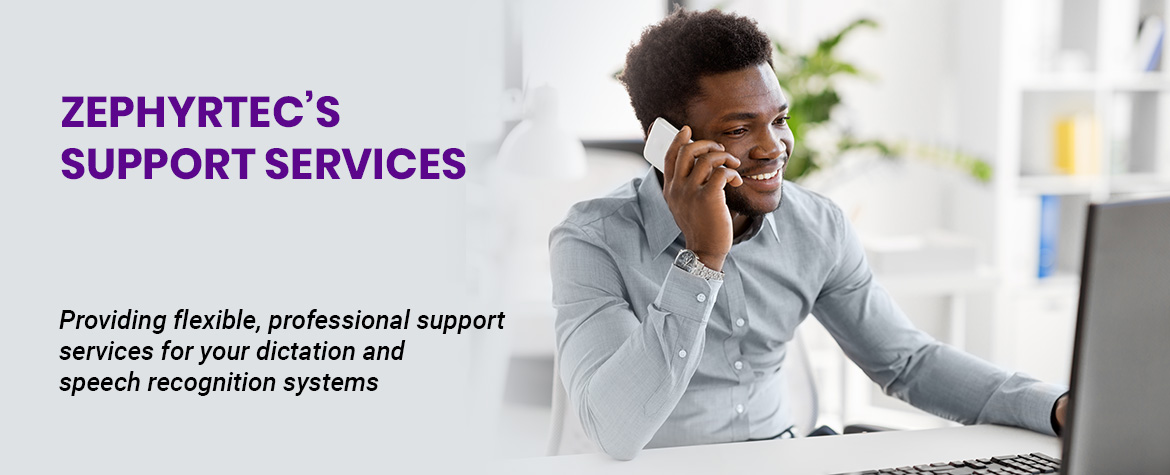
ZephyrTec is part of the Northland Business Systems’ Family of Companies, which is made up of four companies: Northland Business Systems (MN), ZephyrTec (CA), WahlTek (IA), and Buscomm (MO). Our family of companies prides itself on delivering state of the art service. Our technical support staff is here to assist with any issues that arise with the installation of your dictation or speech recognition software. We can provide this support to you over the telephone, through email and online.

Dragon software technical and training support
Get immediate help:
Purchase an annual telephone technical support contract: This is a contract for up to three hours of phone/online technical support good for one year from date of purchase, billed in 15 minute increments. The support contract is for 3 hours or one year, whichever comes first. To purchase, contact the Technical Support Department at 888-540-5999 or by emailing technicalsupport@zephyr-tec.com.
Technical support is LIMITED to the Dragon application and ZephyrTec macros ONLY. We will not provide any technical assistance for Microsoft Office or any other applications or peripherals used by the end user nor will we provide any hardware support.
Technical Support provides for up to three (3) hours of telephone, email, or web technical support and is renewable. We will track the actual time used for any telephone/e-mail/Web technical support and deduct it from the 3 hours as it is utilized regardless of the nature of the support. Any time spent on the phone, e-mail or web will be charged against the three hours until the three hours is completely utilized. Charges will be figured to the nearest 15 minutes. Once the end user has utilized all three hours, the end user will be given an option to renew the technical support contract. A valid credit card or Purchase Order will be required in order to renew technical support.
Telephone technical support is provided Monday through Friday, 8:00 AM to 4:30 PM Pacific time. We will make every effort to respond within 24 hours (excluding weekends and holidays).
Winscribe software technical support
You must purchase a Technical Support Contract from us before we can assist you.
Please call us at 1-877-493-7497 to purchase or extend a service contract.
Normal business hours for Winscribe Technical support are: Monday - Friday, 5:00 AM - 5:00 PM Pacific time.
3 WAYS TO CONTACT OUR WINSCRIBE SUPPORT TEAM:
- PHONE: Call (952) 894-4204 to place a service call.
- EMAIL: ServiceRequests@NorthlandSys.com (In your email, please include your: Account Name, Contact Name, Contact Phone, On-Site Contact Name, Type of Equipment or Software, and Description of the Issue.)
- WEB: Submit a Service Request online at: https://northlandsys.com/service-requests
AFTER HOURS SUPPORT:
- After-hours phone number: 952-894-4204 Option 2
- Web: https://northlandsys.com/service-requests/
NOTE: Extra Charges Apply for customers without 24/7 support services agreements
NOTE: Any emails sent directly to a technician don’t have a guaranteed response time.